What Is a QR Code and How Does It Actually Work?
A QR code is a grid of squares with a very specific anatomy. Here is what each part does, and how a phone turns it into a link in half a second.
Read the guide →Create a QR code, check its colours, work out the right print size and see how much data it holds. Every tool runs in your browser, and our guides separate QR specifications, worked examples and practical rules of thumb.
From deciding what to encode to sending the file to the printer.
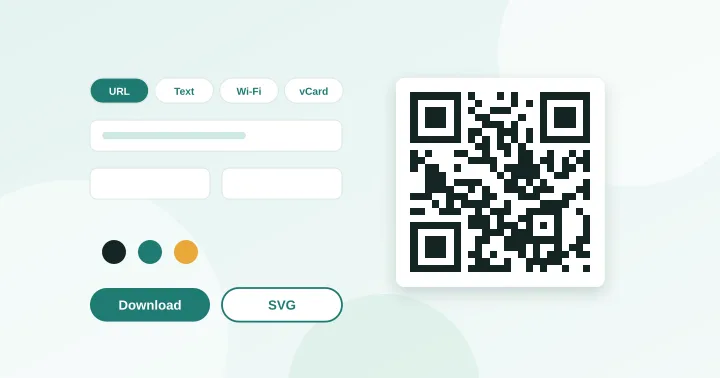
Create QR codes for links, text, Wi-Fi, contacts, email, phone and SMS. Download PNG or SVG.
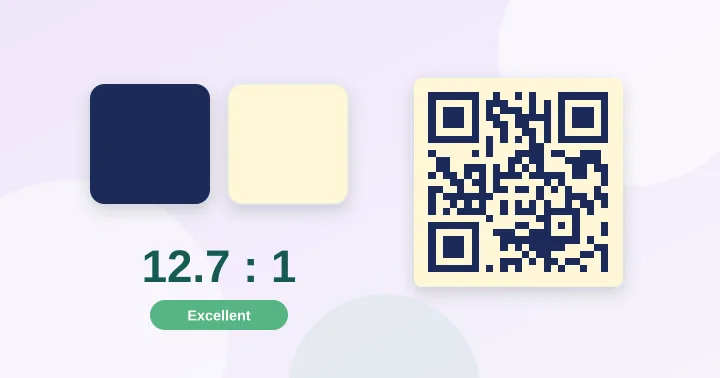
Check whether your QR colours have enough contrast to scan, with a live preview.
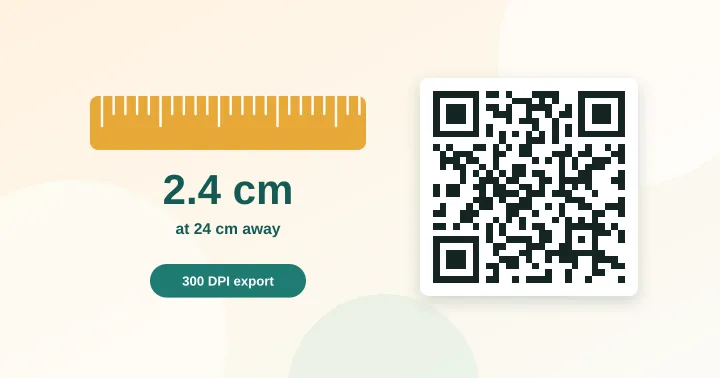
Work out the minimum print size for a QR code from the scanning distance and data length.
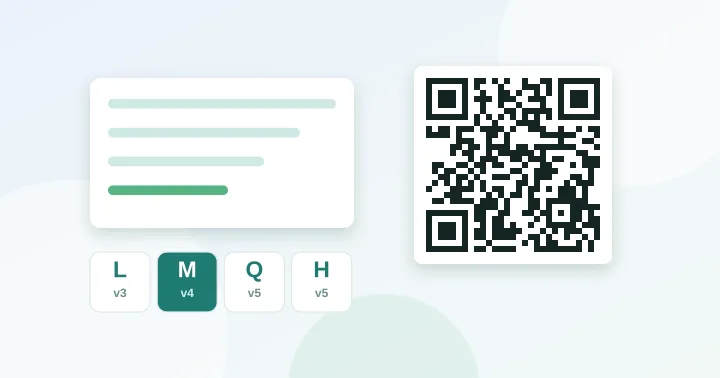
Paste a URL or text to see the QR version, grid size and error-correction options it needs.
Inspect the encoded content, colours and dimensions before approving the final print.
The generator flags low contrast, inverted colours, a missing quiet zone and codes that are too dense.
Run our public verification checks: encode sample payloads and decode them with an independent reader.
Wi-Fi passwords, contacts and links are processed on your device. We never receive them.
Rules of thumb are labelled as such, and the guides tell you to test a real print.
Clear explanations with diagrams and numbers you can verify with our tools.
A QR code is a grid of squares with a very specific anatomy. Here is what each part does, and how a phone turns it into a link in half a second.
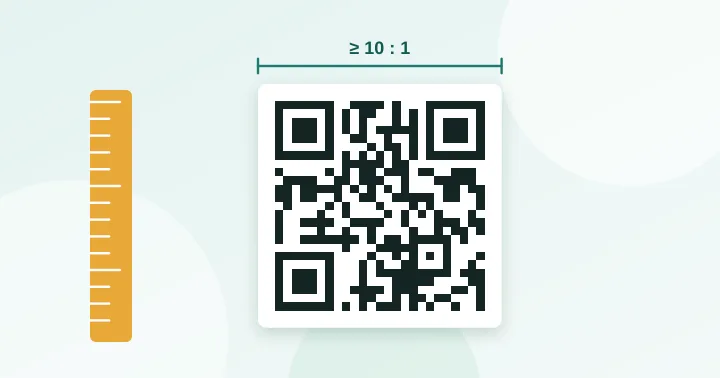
Read the guide →The 10:1 rule, how density changes the answer, and a lookup table for business cards, table tents, posters and banners.
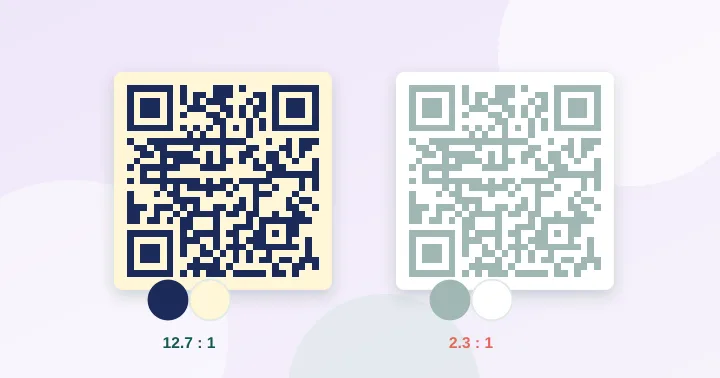
Read the guide →Brand colours are fine on a QR code, if you respect one rule: dark modules on a lighter background. How to measure it, and the cases that break.
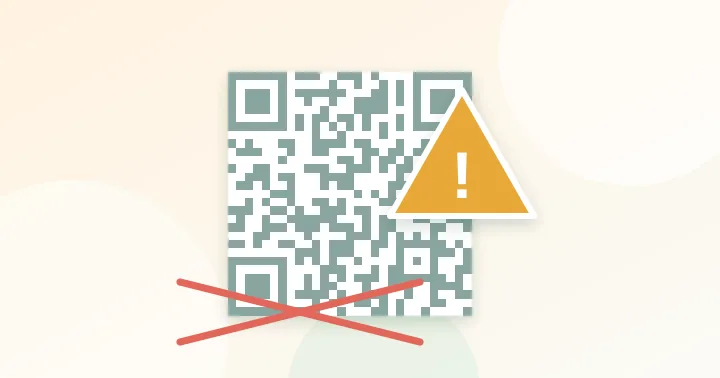
Read the guide →Nine failures cause almost every unscannable QR code. A diagnostic checklist, ordered from most to least common.
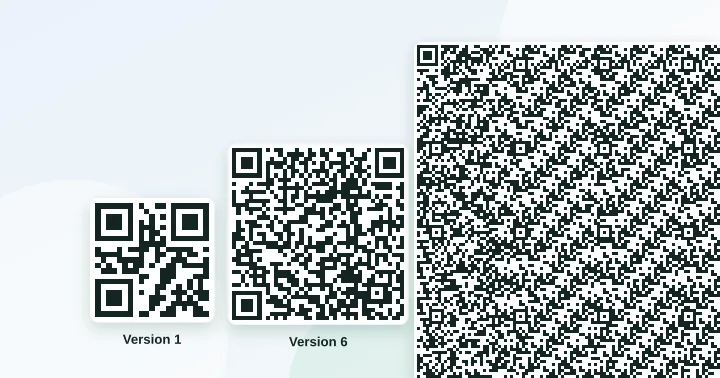
Read the guide →From 17 bytes to 7,089 digits: the exact limits for every encoding mode and error-correction level, plus what they mean for URLs, Wi-Fi codes and contact cards.
Read the guide →A static code is permanent and free. A dynamic code can be edited and tracked, but it depends on someone else's server. How to decide.
Read the guide →Yes. These are static QR codes: your content is stored directly in the pattern, so they work for as long as the destination exists. See static vs dynamic QR codes.
Use one tenth of the scanning distance as a planning rule of thumb, then add a four-module blank border and test the final print. The size calculator does the maths for your content.
Most often it is too small, has too little contrast, lacks a quiet zone or contains too much data. Work through the nine common mistakes.