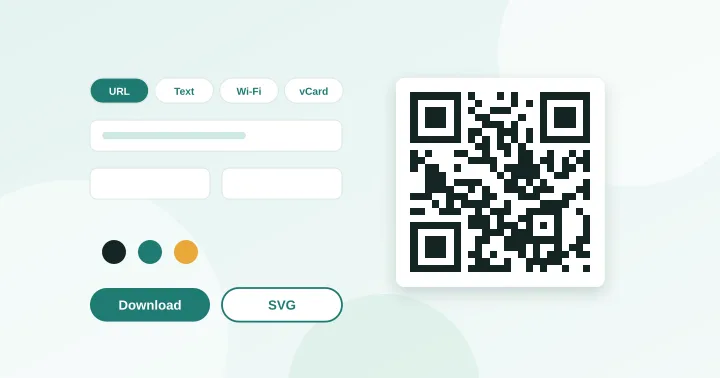
QR Code Generator
Create QR codes for links, text, Wi-Fi, contacts, email, phone and SMS. Download PNG or SVG.
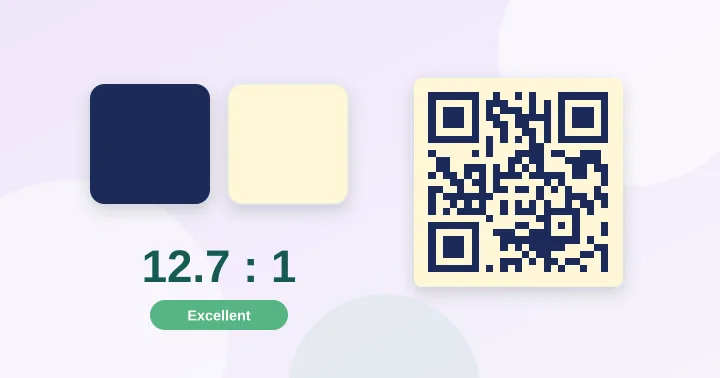
QR Contrast Checker
Check whether your QR colours have enough contrast to scan, with a live preview.
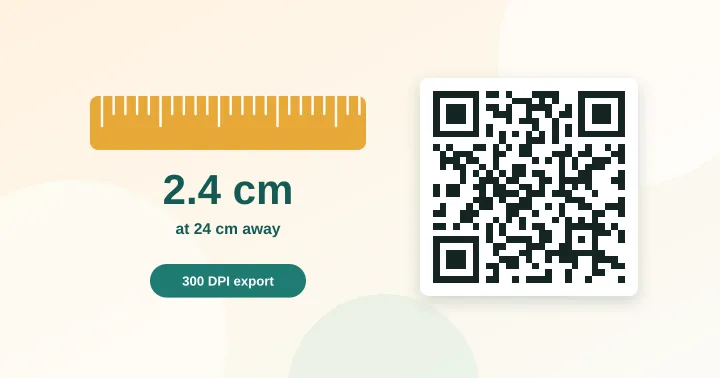
QR Size Calculator
Work out the minimum print size for a QR code from the scanning distance and data length.
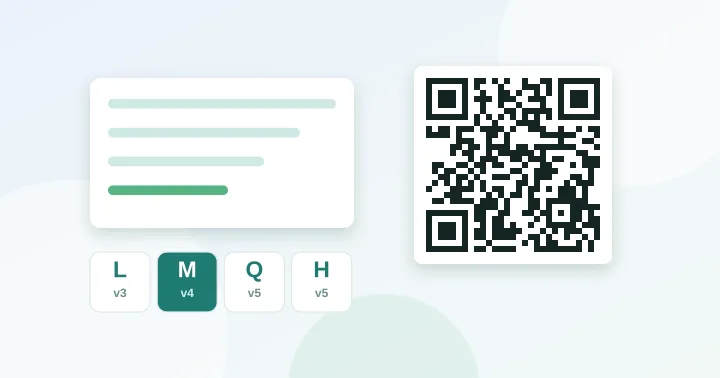
QR Capacity Checker
Paste a URL or text to see the QR version, grid size and error-correction options it needs.
How the four tools fit together
- 1Check what you are encoding
The capacity checker shows the grid your content needs. Shorter content means a simpler, more reliable code.
- 2Create the code
The generator builds links, Wi-Fi, contact cards and more, and downloads PNG or SVG.
- 3Check colours
The contrast checker catches low-contrast and inverted designs before you print.
- 4Size it for print
The size calculator turns the scanning distance into a minimum width and an export resolution.
How we make sure they are correct
Codes are produced by an open-source encoder (MIT licence) that we host ourselves. In automated tests we decode every kind of code the generator can make (links, long URLs, accented and non-Latin text, Wi-Fi payloads with special characters, contact cards, email, SMS) with an independent decoder and confirm the text matches. Capacity figures on this site come from encoding real test strings at every version and level, and match the published values in ISO/IEC 18004.