How the calculation works
We take the larger of two minimums:
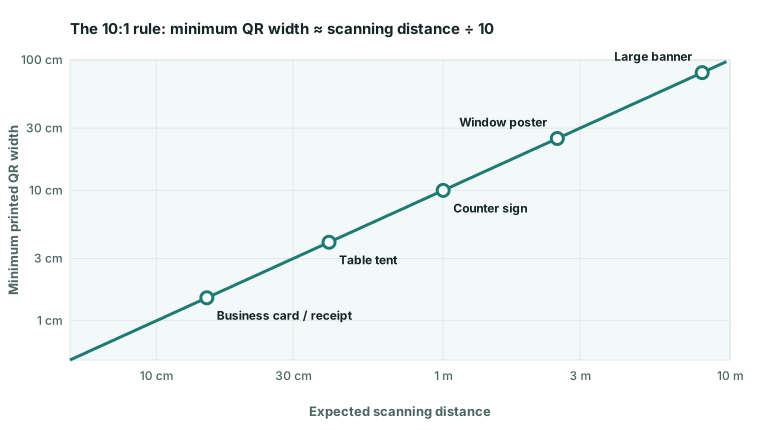
- Distance rule. Symbol width ≥ scanning distance ÷ 10. This keeps the code large enough in the camera's field of view.
- Density rule. Symbol width ≥ number of modules × 0.4 mm. This keeps individual squares printable and readable.
The number of modules comes from your actual content: version v has 17 + 4v modules per side. A short URL fits version 2 (25×25); a 500-character URL needs version 18 (89×89).
Typical results
| Where it is scanned | Distance | Minimum code width |
|---|---|---|
| Business card, receipt | 15 cm | 1.5 cm (but not below the density limit) |
| Table tent, product box | 30–40 cm | 3–4 cm |
| Counter sign, flyer on a wall | 1 m | 10 cm |
| Shop-window poster | 2.5 m | 25 cm |
| Large banner | 8 m | 80 cm |
These are minimums. Going larger is almost always safe; going smaller is where scans start failing. Our size guide covers curved surfaces, glossy finishes and angled scanning.
Frequently asked questions
What is the 10:1 rule?
A common rule of thumb says the QR code should be at least one tenth as wide as the distance it will be scanned from. Scanning from 50 cm calls for about 5 cm; from 3 m, about 30 cm.
Why does the density rule matter?
A denser code has smaller squares. Even at a short distance, each module must stay large enough for a camera and printer to resolve. We use 0.4 mm as a conservative floor for typical office and commercial printing.
What is the quiet zone and is it included?
It is a blank margin of four modules around the code. The headline number is the code itself; the line below it adds the margin so you can reserve space in a layout.
What does the export pixel number mean?
It is the image size you need so every module covers a whole number of pixels at your print resolution. Exporting at whole-pixel multiples avoids blurry edges when a printer or design app resizes the image.
Related tools
QR Code Generator
Create QR codes for links, text, Wi-Fi, contacts, email, phone and SMS. Download PNG or SVG.
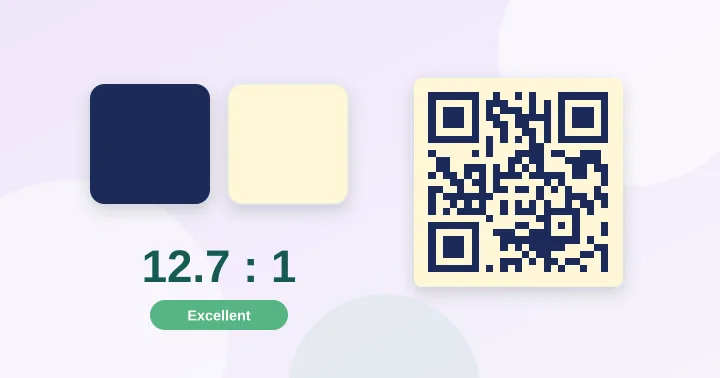
QR Contrast Checker
Check whether your QR colours have enough contrast to scan, with a live preview.
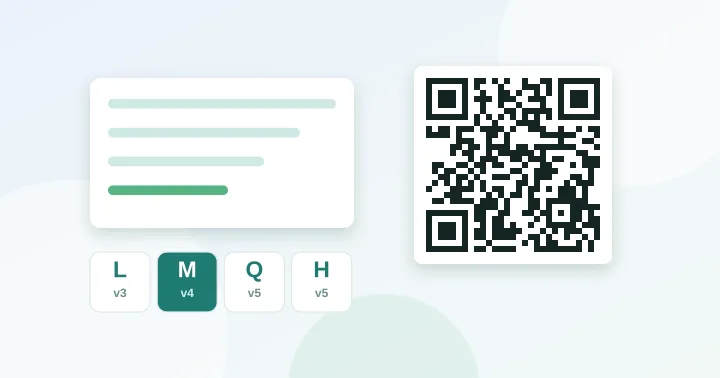
QR Capacity Checker
Paste a URL or text to see the QR version, grid size and error-correction options it needs.