Versions, grids and capacity
QR codes come in 40 sizes called versions. Version 1 is 21×21 modules; each version adds four modules per side, ending at version 40 (177×177). Your content, its encoding mode and the error-correction level decide the smallest version that fits.
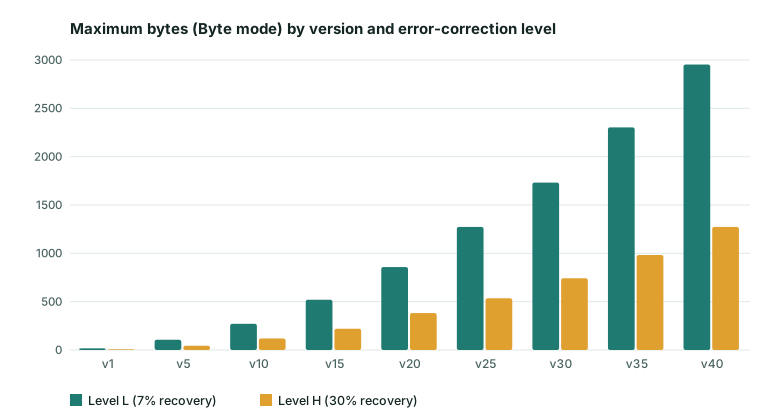
A version 2 code (25×25) holds at most 32 bytes at level L and 26 at level M, which is why a short link works so well. By version 10 (57×57) you can hold 271 bytes at level L or 213 at level M, and a typical URL with tracking parameters lands in versions 6 to 10. Past version 15 the squares become small enough that printing and lighting start to matter a lot.
Practical ways to make the code simpler
- Remove tracking parameters you do not need, or redirect from a short path you control (for example
yoursite.com/m). - Use a lower-case domain; capitals and lower-case mixed together push the code into byte mode, whereas all upper-case URLs can use the denser alphanumeric mode.
- Drop
www.where the site redirects correctly. - Choose level L or M unless you expect wear or a logo.
Full reference tables and examples are in how much data can a QR code hold.
Frequently asked questions
How much data can a QR code hold?
At the largest size (version 40), up to 7,089 numeric digits, 4,296 alphanumeric characters or 2,953 bytes at error-correction level L. Higher error-correction levels hold less. See the full table in our capacity guide.
What are numeric, alphanumeric and byte modes?
QR codes encode text in the most compact mode that fits. Digits only use numeric mode; digits, capital letters and a few symbols ($ % * + - . / : and space) use alphanumeric mode; everything else, including lower-case letters and accents, uses byte mode with UTF-8.
Why does a longer URL make the code harder to scan?
More data needs more modules, which makes each square smaller at the same print size. Shortening a URL can drop a code several versions and make it much more tolerant of poor lighting and distance.
Which level should I pick?
Level M for general print, L for very long content on clean screens, Q or H when damage or a logo is expected.
Related tools
QR Code Generator
Create QR codes for links, text, Wi-Fi, contacts, email, phone and SMS. Download PNG or SVG.
QR Contrast Checker
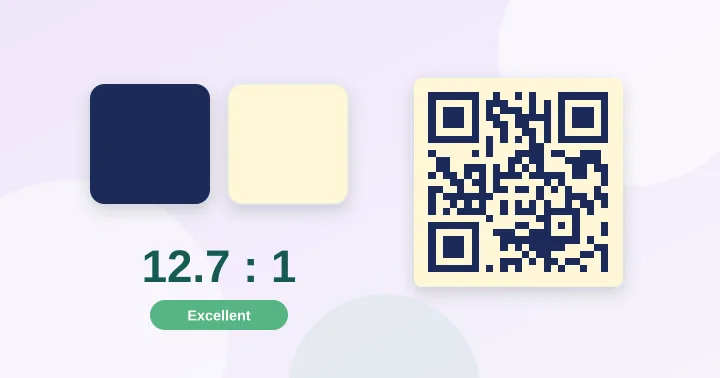
Check whether your QR colours have enough contrast to scan, with a live preview.
QR Size Calculator
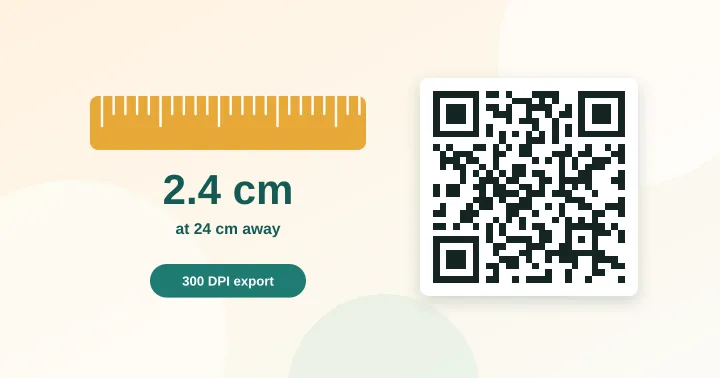
Work out the minimum print size for a QR code from the scanning distance and data length.