Which QR code type should you choose?
Every type below is a normal QR code; the type only changes how the text inside is formatted so a phone knows what to do with it. If you choose the wrong format, the code still scans but the phone just shows raw text.
| Type | What the phone does | What is encoded | Best for |
|---|---|---|---|
| Link | Offers to open the page | The URL | Menus, websites, landing pages, app downloads |
| Text | Shows the text | Plain UTF-8 text | Serial numbers, short notes, codes |
| Wi-Fi | Offers to join the network | WIFI:T:WPA;S:name;P:pass;; | Cafés, guest rooms, offices, home |
| Contact | Offers to save a contact | A vCard 3.0 record | Business cards, conference badges |
| Opens a pre-filled draft | mailto: link | Support requests, feedback | |
| Phone | Offers to dial | tel: link | Shop windows, vehicles |
| SMS | Opens a pre-filled text message | sms: link | Opt-in keywords, quick replies |
The Wi-Fi format is explained field by field in our Wi-Fi guide, including how to escape special characters. This tool does that automatically.
What each setting actually does
Error correction (L, M, Q, H)
QR codes include extra recovery data, using Reed–Solomon error correction, so a scanner can rebuild content when part of the code is dirty, scratched or covered. Higher levels recover more damage but need more modules, so the grid gets denser. Level M is a sensible default. Choose H only when you expect damage or a logo; choose L for very long content that you display on a clean screen. The trade-off is quantified in error correction levels explained.
Quiet zone
The blank margin around the code. The standard asks for four modules. Smaller margins often still work on a screen, but on printed material they are a leading cause of failures because a border or nearby text blurs the edge of the code. Keep the default unless you are inside a layout that already provides white space.
Colours
Scanners look for dark modules on a lighter background. The tool shows the WCAG contrast ratio and warns about inverted (light-on-dark) codes. Background and measurement details are in our colour guide.
PNG versus SVG
PNG is a grid of pixels, so it blurs if enlarged. SVG describes the squares as shapes and stays sharp at any size. For anything printed, give your printer the SVG.
A quick pre-print checklist
- Scan from a screen and from a test print with an iPhone and an Android phone.
- Check that the destination page loads fast on mobile data.
- Make sure the printed width follows the 10:1 distance rule.
- Keep a 4-module blank border and avoid glossy lamination under direct light.
- Add a short call to action next to the code (“Scan for the menu”). Codes with a reason to scan get scanned.
Frequently asked questions
Is the QR code generator really free?
Yes. There is no account, no watermark and no limit. The codes are static, so they keep working even if this website disappears.
Is anything I type uploaded?
No. The code is calculated by JavaScript running in your own browser. Wi-Fi passwords, contact details and URLs never leave your device. See our privacy policy.
How long can the text be?
Up to about 2,953 bytes at error-correction level L (roughly 2,900 plain characters). Longer content produces a denser grid that is harder to scan, so keep URLs short. Our capacity checker shows the exact version your text needs.
Should I download PNG or SVG?
Use SVG for print: it is a vector file that stays sharp at any size, so a designer can scale it for a poster. Use PNG for screens, slides and email. The PNG export is always at least 1,024 pixels wide and uses whole pixels per module, so edges stay crisp.
Can I add a logo?
This tool does not overlay logos, because a badly sized logo is one of the most common reasons codes fail. If you add one yourself, read our logo guide first and use error-correction level H.
Do these QR codes expire?
No. A static QR code stores your content directly in the pattern. The difference between static and dynamic codes is covered in this guide.
Why does the tool warn me about contrast or quiet zone?
Those two settings cause most failed scans. The warning is based on the colour contrast ratio and the margin you chose. Details: contrast checker.
Related tools
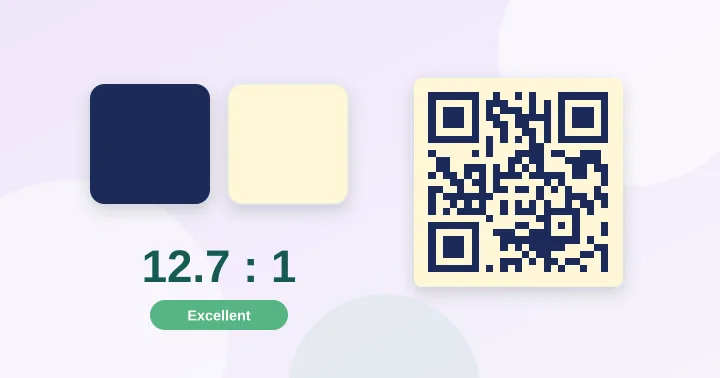
QR Contrast Checker
Check whether your QR colours have enough contrast to scan, with a live preview.
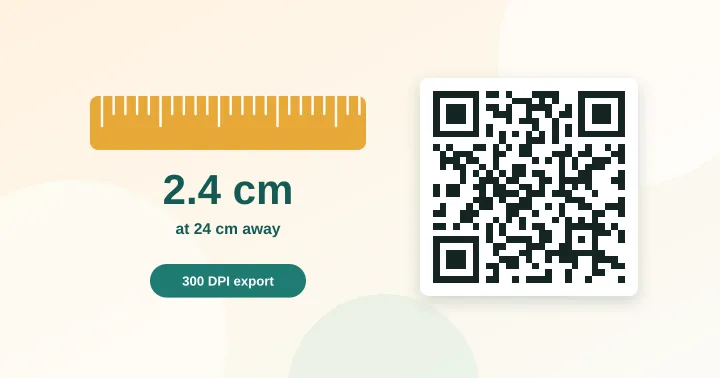
QR Size Calculator
Work out the minimum print size for a QR code from the scanning distance and data length.
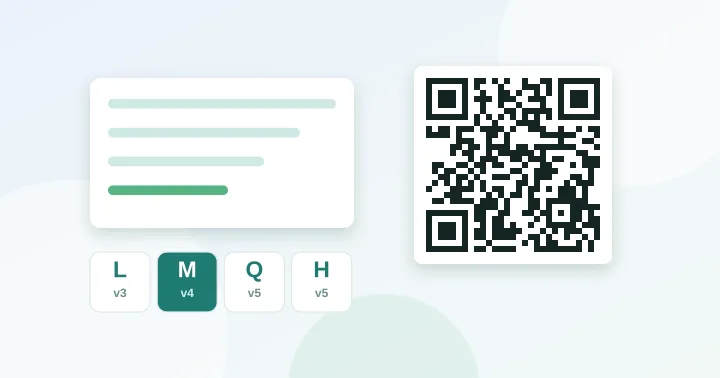
QR Capacity Checker
Paste a URL or text to see the QR version, grid size and error-correction options it needs.