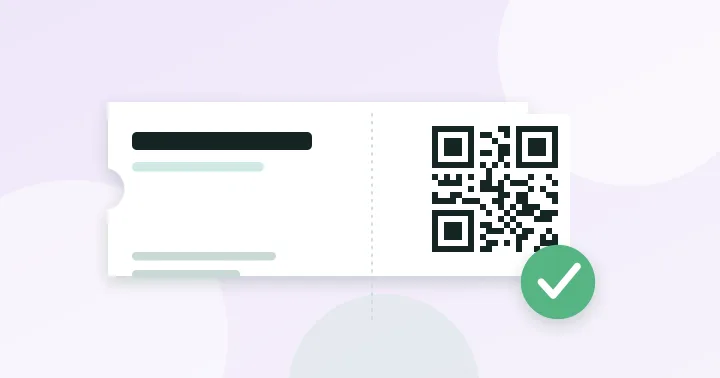
A shared QR code is fine for RSVPs, schedules and Wi-Fi. A ticket needs a unique code per person and a system that marks each one as used. A plain static code cannot stop two people using the same ticket.
Events use QR codes for two quite different jobs. Mixing them up leads to either overspending or letting the wrong people in.
Job 1: information and registration
Here, one code is shared with everyone. Examples include a link to a registration form on an invitation, a schedule on a banner, a map, a feedback form after the event, or the venue Wi-Fi (see Wi-Fi QR codes). A static code from our generator is enough: it is free, permanent, and has no privacy cost.
- Point it at a short, permanent address on your site, so the destination can change.
- Print it large enough for the viewing distance; check the size calculator.
- Add a clear call to action beside it.
Job 2: tickets and entry
A ticket code has to be unique to each attendee and checked against a list. Otherwise one screenshot can admit a crowd. A typical design looks like this:
- Each registrant receives a unique code containing a long, hard-to-guess identifier.
- At the door, the staff app scans the code and checks the identifier against the attendee list.
- The system marks that ticket as used and rejects a second scan, showing the time of the first entry.
That requires a ticketing platform or a custom system, because a static generator has no way to know whether a code has been used. If the identifier is simply an email address or a sequential number, it can be guessed, so use a random value or a signed token.
When a shared code is enough for entry
For a small free meetup or a private party where fraud is not a concern, a single registration link and a printed guest list works. If tickets are paid, capacity is limited or resale is a problem, use unique tickets.
Practical tips for the door
- Brightness. Ask guests to turn screen brightness up, and set phones to stay awake. A dim screen in a dark foyer causes a surprising number of failed scans.
- Offline fallback. Download the attendee list to the scanning devices so entry continues if the venue network fails.
- Printed backup. Keep a printed list and a name search for lost phones.
- Test the scanning distance and lighting at the venue before doors open.
- Wallet passes. Many ticketing systems can add tickets to a phone wallet, which keeps the code available without a connection.
Privacy
A ticket system stores attendee names and contact details. Collect only what you need, tell people how long you will keep it, and follow the data protection rules that apply where you operate.
Beyond the door
Layer simple static codes around the event: a schedule on the program, a session feedback form on each seat, a social link on the stage screen. Each is one short link. Keep them simple and well sized; see QR code best practices for print marketing.
Frequently asked questions
Can someone share a screenshot of their ticket?
With unique single-use codes, the first scan is accepted and the second is rejected, so a shared screenshot admits only one person, whoever arrives first. Some systems rotate the code every few seconds to make screenshots useless.
Do I need internet at the entrance?
Not necessarily. Scanning devices can hold the attendee list offline, but then two devices cannot see each other’s scans until they sync. For a single entrance this is fine; for several, plan for connectivity.
How big should signage codes be?
Use the 10:1 rule: width at least one tenth of the scanning distance. A banner scanned from 4 metres needs a code about 40 cm wide. The size calculator does the maths.
Try it: QR Code Generator — Create QR codes for links, text, Wi-Fi, contacts, email, phone and SMS. Download PNG or SVG.
Keep reading
Our guides give general information based on QR specifications, calculations and worked examples. Results depend on your printer, materials and devices, so always test a real print. See our editorial policy.