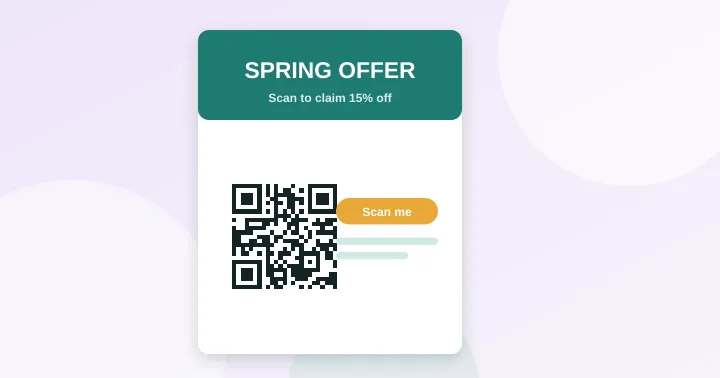
Give people a specific reason to scan, print the code large enough and with a clear border, point it at a fast mobile page built for the campaign, and track it with a parameter you can recognise in your analytics.
Most QR code campaigns that disappoint have a working code and a weak reason to scan. This checklist covers both halves: getting the code to scan, and making people want to.
1. Tell people what they get
A bare square invites no one. Put a short, specific line next to the code:
- “Scan for today’s menu”
- “Scan to book a free fitting”
- “Scan for the manual and setup video”
The action verb and the benefit matter more than the code’s design. Where practical, include a short URL in text beneath the code for people who cannot scan.
2. Make it scannable
- Size: follow the 10:1 rule and the density floor. See the size guide or the calculator.
- Quiet zone: four modules of blank space on all sides.
- Contrast: dark on light, 4.5:1 or more. Check colour guidance.
- Material: matte over gloss; test on the real stock.
- File: supply the printer with an SVG.
3. Place it where the scanning happens
| Item | Good placement | Avoid |
|---|---|---|
| Flyer or leaflet | Lower right or centre, with its call to action | Folds, staples, edges |
| Poster | At about chest height, where people stand | High above eye level, behind glass glare |
| Packaging | Flat panel, near care or “learn more” text | Seams, curved shoulders |
| Receipt | Bottom, next to a clear offer | Thermal paper that fades in sunlight |
| Vehicle or sign | Large, on a flat panel | Anywhere people cannot stop to scan |
Do not put a code where people cannot scan safely or comfortably, such as on a moving vehicle or on a billboard viewed from a motorway.
4. Send them somewhere that deserves the scan
- Create a landing page for the campaign rather than dropping people on a busy homepage.
- Build it for phones first and test on mobile data. A page that takes 8 seconds to load wastes the scan.
- Do the main action above the fold: a button, a form, a map.
- Avoid forcing a login, an app download or a pop-up as the first thing visitors see.
5. Keep the code simple
Long tracking URLs create dense, small-squared codes. Redirect from a short path such as yoursite.com/spring to the full URL with parameters. The capacity checker shows how much the grid shrinks.
6. Measure it
Print a different code, or a different short path, for each placement so you can see which one works. The complete method is in how to track QR code scans.
7. Offer an alternative
Include a plain-text address for people without a smartphone camera or data. It also helps with accessibility and with print where a code is damaged.
Pre-print checklist
- The destination loads quickly on a phone over mobile data.
- The code is at least the minimum size for the real distance.
- There is a blank border and nothing overlapping the code.
- Contrast is high and the code is dark on light.
- A call to action sits next to the code.
- A test print scanned on two phones, in normal light.
- The text-only address is printed beneath the code.
Frequently asked questions
Do QR codes still work in advertising?
They work when there is a clear reason to scan and the destination delivers it. Results vary widely with offer, placement and audience, so measure your own campaigns rather than relying on general figures.
Can I put a QR code on a video or TV ad?
It can work if the code stays on screen long enough to scan and is large and high-contrast. Many people will not have time to pick up a phone, so also show a short web address.
How do I compare two designs fairly?
Give each its own short path and utm_content value, run them in similar placements at the same time, and compare visits and conversions, not just scans. See how to track QR code scans.
Try it: QR Size Calculator — Work out the minimum print size for a QR code from the scanning distance and data length.
Keep reading
Our guides give general information based on QR specifications, calculations and worked examples. Results depend on your printer, materials and devices, so always test a real print. See our editorial policy.