Give a Printed QR Code a Human-Readable Fallback
Pair a scan destination with a short visible address and a clear promise so people can proceed without a successful scan.
A printed QR code is an entry point, but it should not be the only clue about what happens next. A person may have no camera access, a poor connection, or a damaged print. A visible fallback and a clear label make the sign more usable. This guide focuses on wording and destination continuity rather than promising that a QR code meets every accessibility need.
State the action plainly
Use a label such as “Open the event schedule” instead of an unexplained “Scan me.” The reader should understand the value before opening a camera. Keep the label close enough to the code that its relationship is obvious without invading the quiet zone.
Avoid making claims the destination does not fulfill. If the page only shows a signup form, do not label the code as a downloadable guide. The print promise and page content should match in a fresh visitor session.
Choose a typeable address you control
A short path on your own domain can be easier to type than a long address with query parameters. For example, example.com/schedule is a clear illustrative fallback. Verify it resolves to the same intended content as the code.
Do not assume a third-party short link remains available indefinitely. Check the provider conditions if you use one. For material that will stay in circulation, control over the destination is part of the maintenance plan, not merely a design preference.
Keep both routes coherent
If the QR points to one page and the visible address points to another, confirm they offer the same promised task. A redirect can be useful, but test its final destination and avoid unnecessary intermediate pages.
When the content changes, update the controlled landing page or redirect deliberately. The printed code itself cannot be edited after distribution. Keep the fallback active while old materials remain in use so readers are not left with two different dead ends.
Test without scanning
Give someone the final print and ask them to find the promised information using only the visible text. Observe whether they can read and type the address and whether the landing page makes the next step clear.
This is a small usability check, not a comprehensive accessibility audit. Consider other formats or contact routes required by your audience. A visible URL helps one failure mode but does not address every visual, motor, cognitive, or connectivity barrier.
Include the fallback in the handoff
Record the QR destination, visible address, action label, and who maintains the page. If a designer changes the label or marketing path, test the pair again before printing. Keep the quiet zone clear after the text is added.
Use the QR generator for the code and the print guide for sizing. The finished asset should let someone answer three questions: what will open, how to reach it without scanning, and whether the destination belongs to the expected organization.
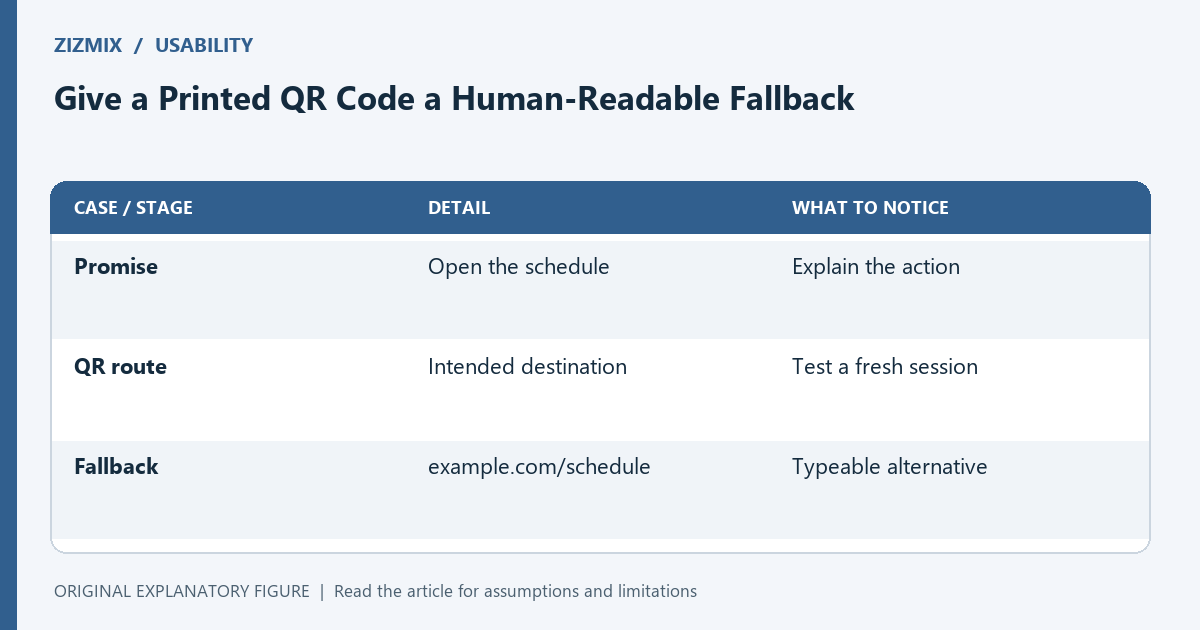
| Case or stage | Detail | What to notice |
|---|---|---|
| Promise | Open the schedule | Explain the action |
| QR route | Intended destination | Test a fresh session |
| Fallback | example.com/schedule | Typeable alternative |