Check Signage Text Separately From QR Scan Contrast
Review the human-readable label and the QR symbol as different visual elements with different acceptance checks.
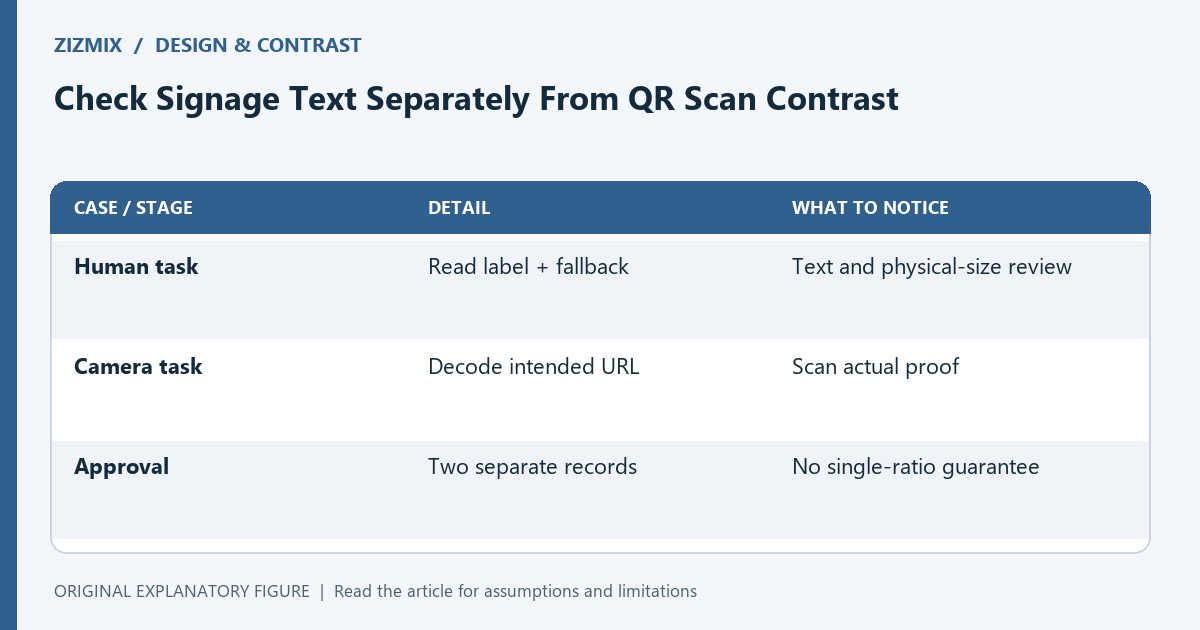
A QR sign has two audiences: a person reading its instructions and a camera trying to decode its symbol. One contrast calculation cannot approve both experiences. This guide separates text readability from practical scan testing. It is a design-review workflow, not a claim that a website text standard certifies the scanning performance of a printed QR code.
List the visible elements
Identify the action label, fallback address, QR dark modules, background, and any decorative panel. Record the actual foreground and background for each. If the design uses transparency or a photograph, inspect the resulting visible colors rather than just palette tokens.
The action label and fallback address should explain the destination and remain readable at the intended physical size. A camera-success test does not show that a person can read tiny instructions, especially at the expected viewing distance.
Use text criteria in the right context
For web content, WCAG’s minimum text contrast criterion generally uses 4.5:1 for normal text and 3:1 for large text, with defined exceptions. That is a useful reference when reviewing digital versions of your sign, but it is not a QR decoder threshold.
For print, also inspect type size, viewing distance, material, and lighting. A numerical pair can be a design aid while the final physical proof remains necessary. Avoid stamping a printed sign “accessible” based on a single ratio.
Inspect QR polarity and quiet zone
Use a dark symbol on a light, uncomplicated background as a practical starting point. Keep the quiet zone free of text and decoration. If the background varies behind the code, the visual distinction can vary across the symbol.
The QR contrast checker can help compare the chosen colors. Its result should not be presented as a guarantee that every phone scans the final design. Size, density, damage, surface glare, and the camera setup also matter.
Test person and camera tasks separately
For the person task, ask someone to read the action and type the fallback address from the proof. For the camera task, scan under the intended conditions with available devices. Record the results separately.
If the code scans but the label is unreadable, revise the text. If the text is readable but the code fails, inspect symbol size, margin, and print quality. Separating the tasks makes the next change more specific than “increase contrast everywhere.”
Preserve the distinction in approval notes
Keep one text-review note and one scan-test note. State the actual conditions and limitations. When colors or dimensions change, review both where affected. A darker label may leave QR scanning unchanged, while a cropped margin can damage scanning without altering text readability.
Use the contrast checker and size calculator as planning aids, then test the final output. The useful approval is concrete: the label can be read in the tested setup and the symbol decodes to the intended address under the recorded conditions.
| Case or stage | Detail | What to notice |
|---|---|---|
| Human task | Read label + fallback | Text and physical-size review |
| Camera task | Decode intended URL | Scan actual proof |
| Approval | Two separate records | No single-ratio guarantee |