Place Two QR Codes on a Sign Without Ambiguous Labels
Give each code a distinct task, protected space, and fallback so a reader can choose the intended destination.
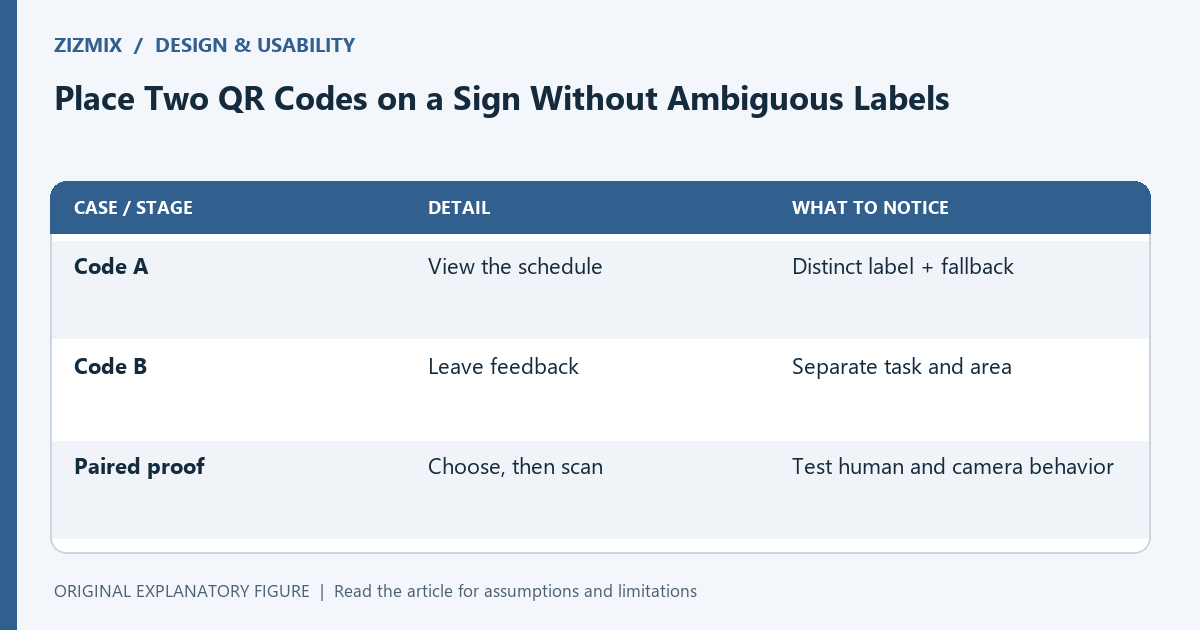
Two QR codes can be appropriate on one sign when they serve different tasks. They can also create confusion if the labels are vague or too far from their symbols. This guide reviews a fictional sign with a schedule code and a feedback code. It focuses on human choice and final-proof testing rather than prescribing a universal spacing measurement for every printed layout.
Ask whether two codes are necessary
If both codes lead to the same content, a single code may be easier to explain. If they lead to distinct tasks, write those tasks in plain language. The layout should communicate the distinction before a camera is opened.
Do not add a second code simply because there is empty space. Each destination creates another maintenance responsibility. Keep the owner and purpose of both links in the handoff record.
Pair each label with its symbol
Use specific labels such as “View today’s schedule” and “Leave feedback.” Place the associated text so the relationship is visually clear while preserving the symbol’s blank margin. Avoid one generic “Scan here” heading above two unlabeled codes.
Add a typeable fallback for each task when appropriate. If the paths look similar, make their differences legible. The person should not need to guess which URL belongs to which symbol.
Keep functional areas separate
Do not let one code’s label or decorative border invade the other code’s protected area. Inspect the final export rather than only the layout guides in the editor. Scaling or cropping during handoff can change the result.
This article does not give a universal minimum distance between two symbols. Actual scanning depends on the final dimensions, camera view, print, and context. Use a proof to observe whether the intended code can be selected reliably.
Test choice before testing cameras
Show the proof and ask which code someone would use for each task. Record any hesitation or mistaken pairing. Then scan each code separately and verify the destination.
These are different acceptance questions. A code can scan perfectly while people choose the wrong one. Conversely, clear labels cannot repair a poor physical symbol. Keep the observations separate so the next design change addresses the actual problem.
Approve the pair as one layout
Save the final sign, both payloads, labels, fallback addresses, and tested conditions together. A later destination or label change should trigger another paired review. Do not approve two standalone images and assume their combined arrangement is equivalent.
Use the generator for each asset and the print-proof guide for the final output. The useful result is a sign whose tasks are distinct, whose code areas are protected, and whose actual destinations match the promise beside each symbol.
| Case or stage | Detail | What to notice |
|---|---|---|
| Code A | View the schedule | Distinct label + fallback |
| Code B | Leave feedback | Separate task and area |
| Paired proof | Choose, then scan | Test human and camera behavior |